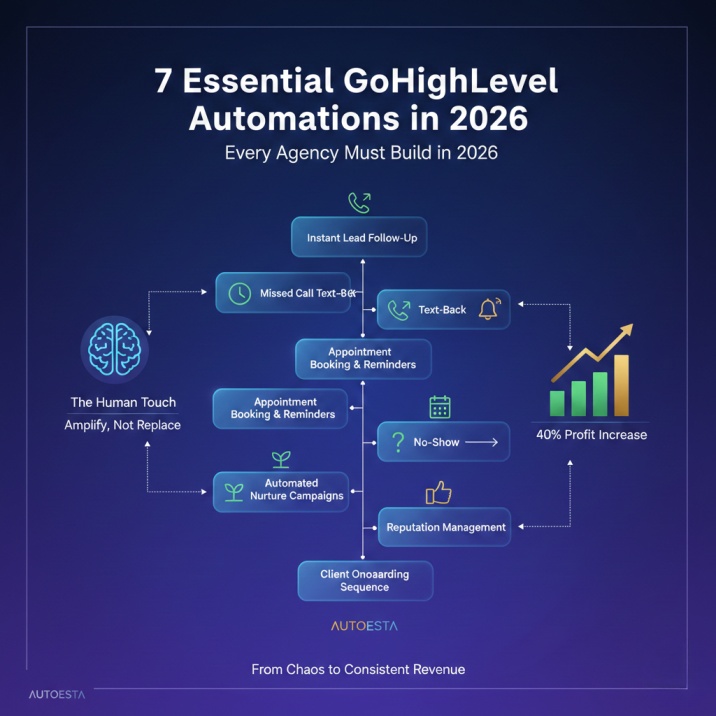



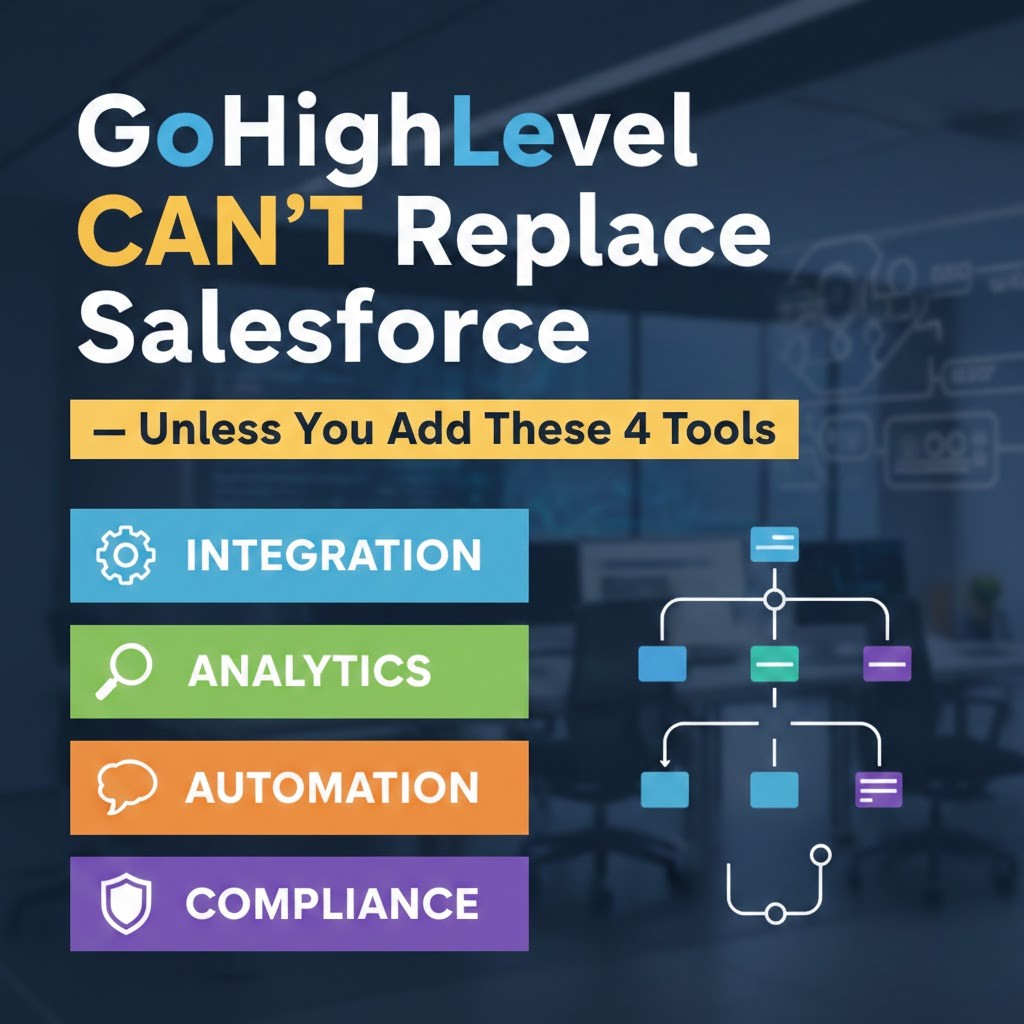
The Automation Stack Nobody Is Talking About By Alpit Patel — GoHighLevel & Automation Specialist at Autoesta LinkedIn | Updated […]
Read Full Article
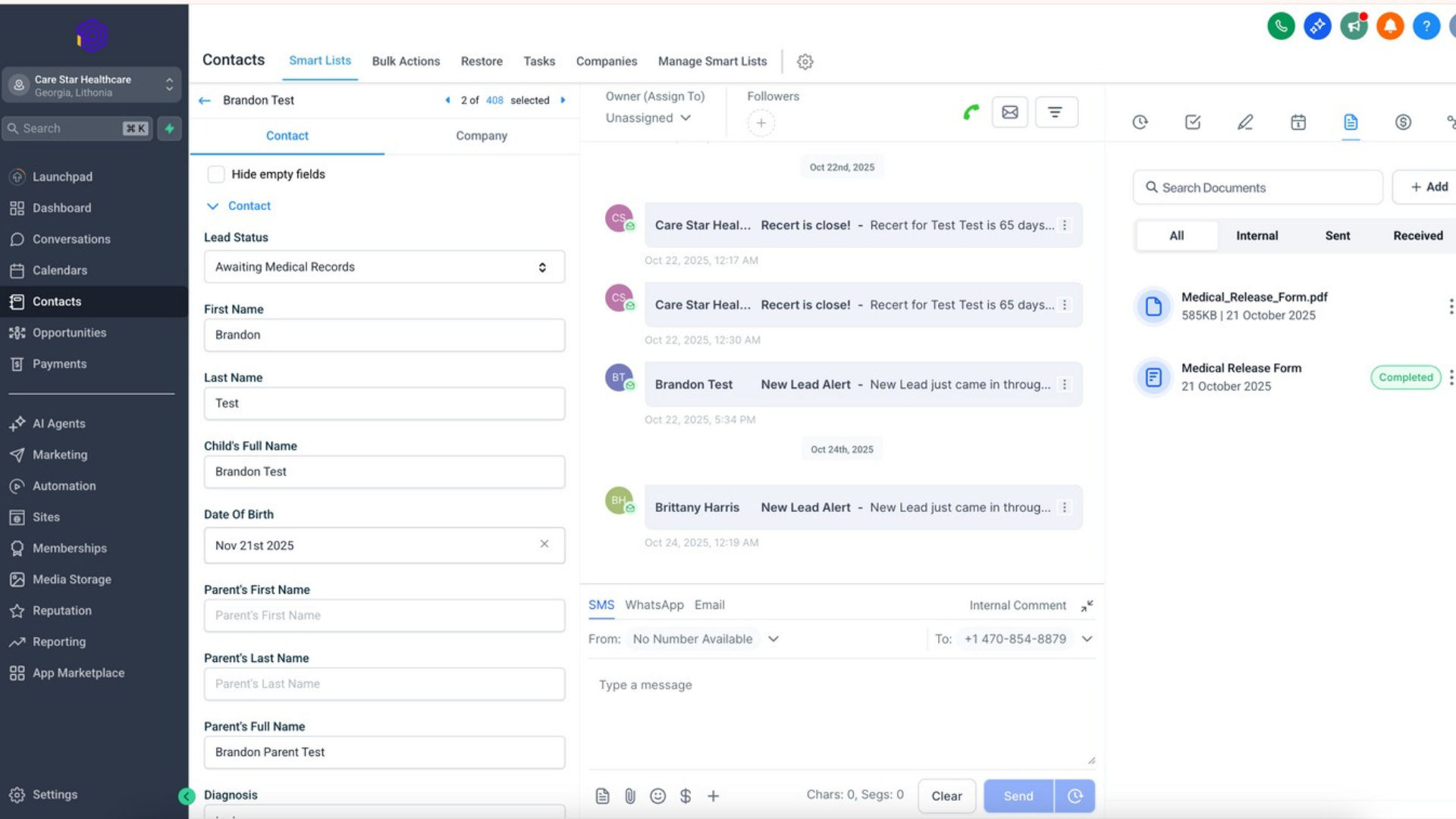
Dental Patient Intake & Follow-Up Automation System™Built by Autoesta using GoHighLevel and n8n, this system is designed specifically for dental clinics and dental service organizations (DSOs).
Clinic Brand: Smile Bright Founder & Lead Dentist: Dr. Collen Chambers Practice Type: General & Cosmetic Dentistry Country: United States State:California, USA
| Lead Category | Platforms / Sources | Lead Types | Intent Level | Why This Source Matters |
|---|---|---|---|---|
| Paid Digital Platforms | Google Search Ads, Google Local Service Ads (LSA), Facebook Ads, Instagram Ads, YouTube Ads | Emergency patients, same-day appointments, cosmetic dentistry | High → Medium | Google Search & LSA deliver the highest-intent patients, while social ads support awareness and retargeting |
| Google Business Profile (Local Trust Leads) | Calls, direction requests, website clicks, messages | Local patients ready to book | Very High | Most trusted local discovery channel for dentists with strong booking intent |
| Website Leads (Owned & High Trust) | Appointment booking forms, contact forms, chatbot inquiries | New & returning patients | High | Direct brand trust, better conversion quality, and full control over follow-ups |
| Insurance & Referral Leads | Insurance partner portals, referral websites, third-party healthcare directories | Insured and referred patients | High | Pre-qualified patients with faster decision-making and higher show-up rates |
| Task | Old Process | Avg Time |
|---|---|---|
| Lead capture | Google, website, ads all separate | Immediate but scattered |
| Data entry | Front desk manual entry | 10–20 min |
| First response | Staff availability dependent | 45–90 minutes |
| After-hours leads | No response | Next day |
| Follow-ups | Manual reminders | Often missed |
| Visibility | No central dashboard | None |
| Reporting | Manual checking | Weekly |
| Task | New Automated Process | Avg Time |
|---|---|---|
| Lead capture | All sources → CRM | Instant |
| Data entry | Fully automated | 0 sec |
| First response | AI call / SMS / WhatsApp | Under 3–5 minutes |
| After-hours leads | AI chatbot active | 24/7 |
| Follow-ups | Automated sequences | 100% consistent |
| Visibility | Live CRM pipelines | Real-time |
| Reporting | Auto dashboards | Instant |

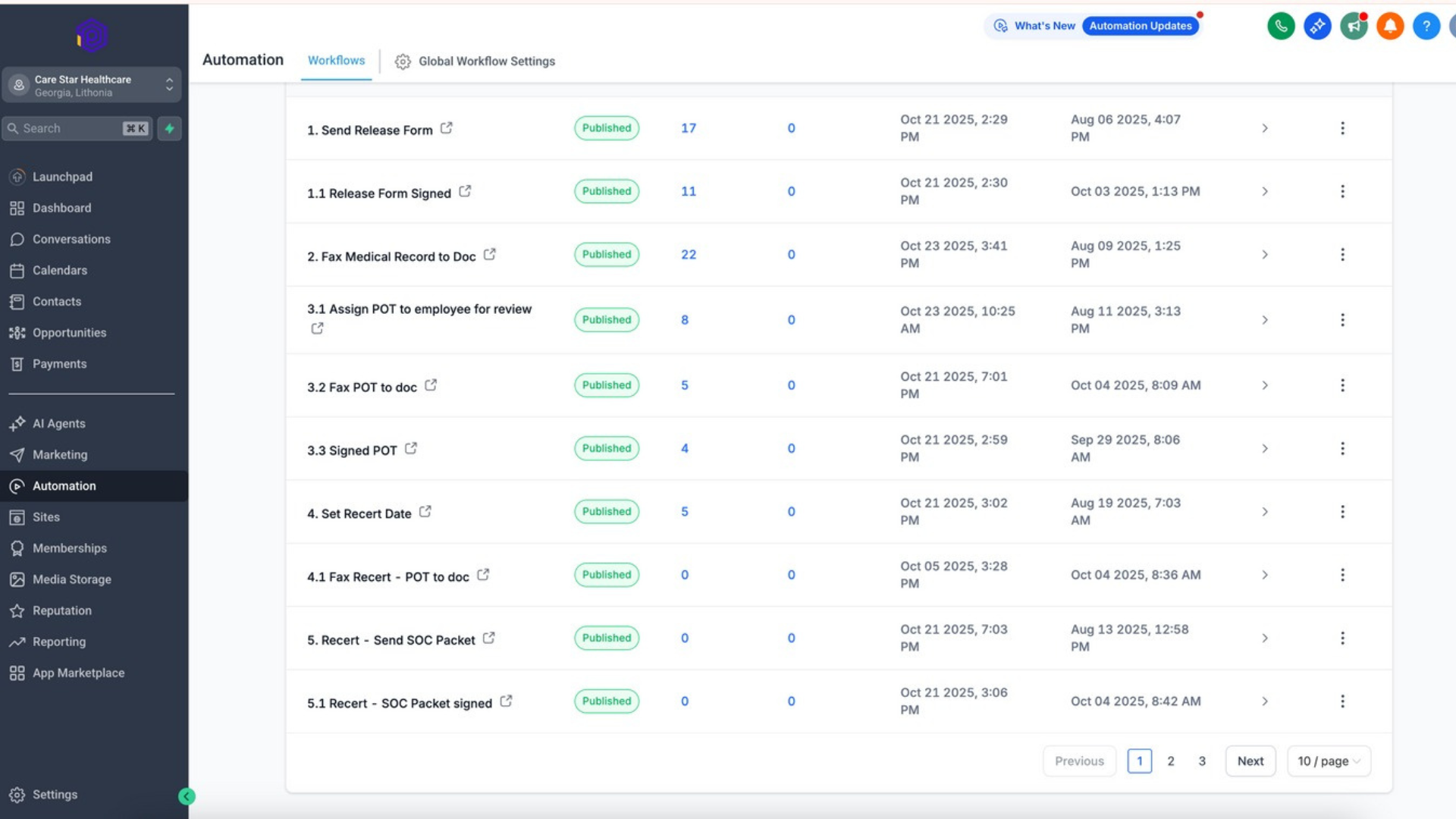
| Step | System Layer | What Was Implemented | Purpose & Business Impact |
|---|---|---|---|
| Step 1 | Central CRM Setup (GoHighLevel) | Patient pipelines: New Patient, Emergency, Cosmetic, Follow-Up/Recall. Tags added by service type, lead source, and urgency level. | Creates structured patient flow, clear prioritization, and full visibility inside the CRM |
| Step 2 | Lead Intake Automation | Leads automatically enter CRM from Google Ads & LSA, Google Business Profile, website forms, Facebook & Instagram Ads. | Eliminates manual entry and ensures instant lead capture from all sources |
| Step 3 | n8n Workflow Automation (Advanced Layer) | Insurance portal lead sync, data cleaning & formatting, emergency vs non-emergency routing, external system sync, API fallback automation. | Ensures zero data loss, higher reliability, and advanced routing beyond native integrations |
| Step 4 | AI Calling & AI Chatbot | AI calls new leads instantly, confirms appointment interest, collects patient details. Chatbot handles after-hours inquiries, pricing FAQs, and availability. | Reduces response time, improves patient experience, and enables 24/7 engagement |
| Step 5 | WhatsApp, SMS & Email Automation | Instant WhatsApp confirmations, SMS reminders, email follow-ups, missed-call text-back automation. | Increases show-up rates, reduces no-shows, and improves communication consistency |
Within the first 14–21 days:
⏱ Response time reduced from 45–90 minutes → under 5 minutes
📉 Missed patient inquiries reduced by 50–60%
📈 Appointment booking rate increased
🤖 24/7 patient handling enabled
👩⚕️ Front desk workload reduced significantly
| Lead Source | Platform | Intent Level | CRM Action | Response Time |
|---|---|---|---|---|
| Google Search Ads | Very High | AI call + SMS | Under 3 min | |
| Google LSA | Very High | Priority pipeline | Immediate | |
| Facebook Ads | Meta | Medium | SMS + WhatsApp | Under 5 min |
| Website Forms | Owned | High | Auto booking flow | Instant |
| GBP Calls | Very High | Missed-call automation | Immediate | |
| Insurance Leads | Portals | High | n8n → CRM sync | Under 5 min |
Autoesta completely transformed how our dental practice handles new patient inquiries. Before this system, leads from Google, website, and ads were difficult to manage and often delayed. Now everything flows into one CRM, patients are contacted within minutes, and even after-hours inquiries are handled automatically. The AI calling, chatbot, and WhatsApp automation have reduced front-desk pressure and improved our booking consistency. Autoesta delivered exactly what they promised.
Dr. Collen Chambers
Founder, Smile Bright (Florida, USA)
The Automation Stack Nobody Is Talking About By Alpit Patel — GoHighLevel & Automation Specialist at Autoesta LinkedIn | Updated […]
Read Full ArticleMost agencies don’t fail because their marketing sucks. They fail because someone called at 9:47 PM, got voicemail, and never […]
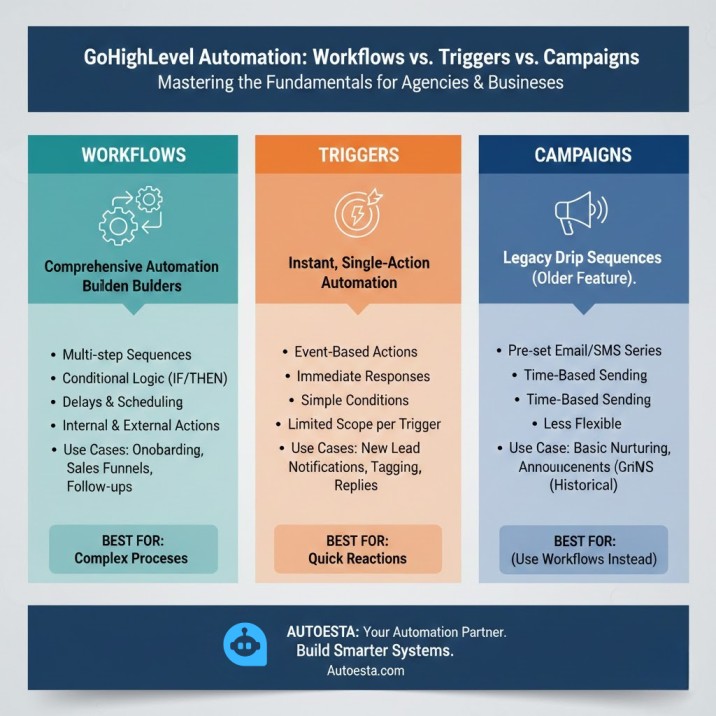
Read Full ArticleIntroduction Many users struggle with GoHighLevel workflows, triggers, and campaigns — and this uncertainty slows down automation success. If you’ve […]
Read Full ArticleCRM automation helps dental clinics capture leads from Google Ads, Google Business Profile, websites, and social media, then instantly follow up using AI calls, SMS, WhatsApp, and email—ensuring patients are contacted within minutes and more appointments are booked.
Yes. A properly configured dental CRM creates separate pipelines for emergency, cosmetic, and routine patients, allowing urgent cases to be prioritized while non-emergency inquiries follow scheduled automation sequences.
With CRM automation, most dental clinics can reduce response time from 45–90 minutes to under 3–5 minutes, even during after-hours, using AI calling and chatbots.
Yes. Dental CRM automation integrates with Google Search Ads and Google Local Service Ads (LSA) to instantly capture high-intent patient leads and trigger priority follow-ups for same-day or emergency appointments.
Absolutely. Dental CRMs can send automated WhatsApp confirmations, SMS appointment reminders, follow-ups, and missed-call text messages, which significantly reduces no-shows and improves patient communication.
AI calling and chatbots instantly contact new leads, confirm interest, collect basic patient details, answer common questions, and handle after-hours inquiries—reducing front-desk workload and improving patient experience.
A complete dental CRM automation system—including lead integrations, pipelines, AI calling, chatbots, WhatsApp automation, and reporting—typically takes 20 to 30 days, depending on clinic size and lead sources.
Yes. When set up correctly, dental CRM automation follows best practices for data handling, access control, and secure integrations, making it suitable for clinics that require privacy-conscious and compliance-aware workflows.
© 2026 Copyright Powered by autoesta