What are AI automation services?
AI automation services design and build systems where routine work in your lead-to-customer process runs automatically, using rules for predictable steps and AI for the steps that need language and judgment.
When a workflow needs AI to read emails, documents or calls, see AI workflow automation.
Two ideas are often blurred together, so it is worth separating them:
- Rules-based automation follows fixed logic: when a form is submitted, create a contact, send a text, wait a day, send an email. It is fast, cheap, and predictable, and it cannot handle anything you did not plan for.
- AI-driven automation handles the parts that involve open-ended language: answering a question, holding a conversation, summarising a call, deciding whether a message is a complaint or a booking request.
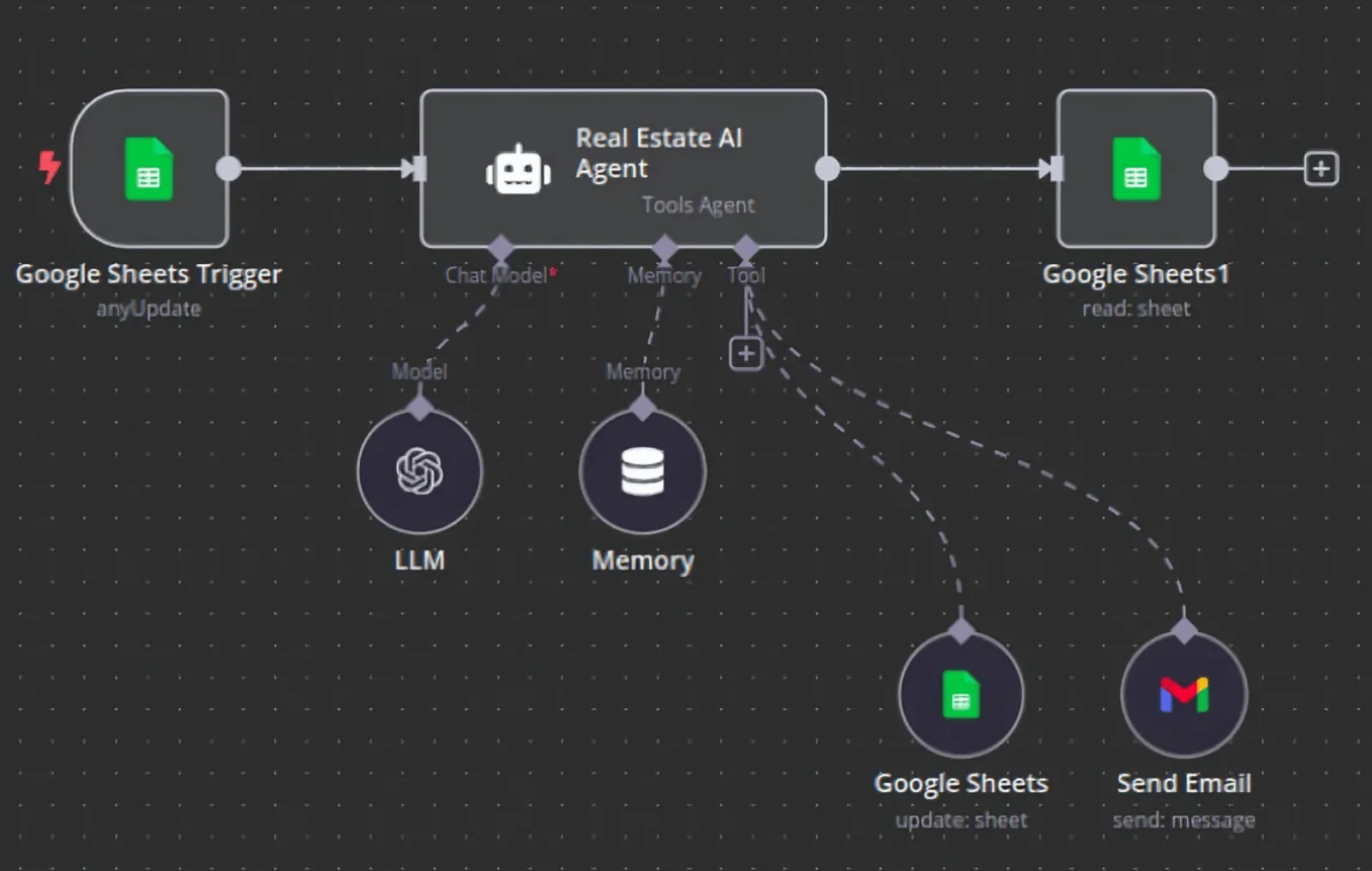
Most valuable systems use both. Rules do the dependable plumbing, and AI does the parts that used to require a person to read and think. Autoesta's approach is to build these as one connected system rather than as three separate products from three vendors: a CRM as the system of record, a workflow layer that connects everything, and AI agents where conversation is needed.
What are the three layers of a connected automation system?
A connected system has a single system of record, a workflow layer that moves data and triggers actions, and an AI agent layer that handles conversations. All three write back to the same records, so no lead or contact detail lives in two places at once.
Layer 1: The system of record
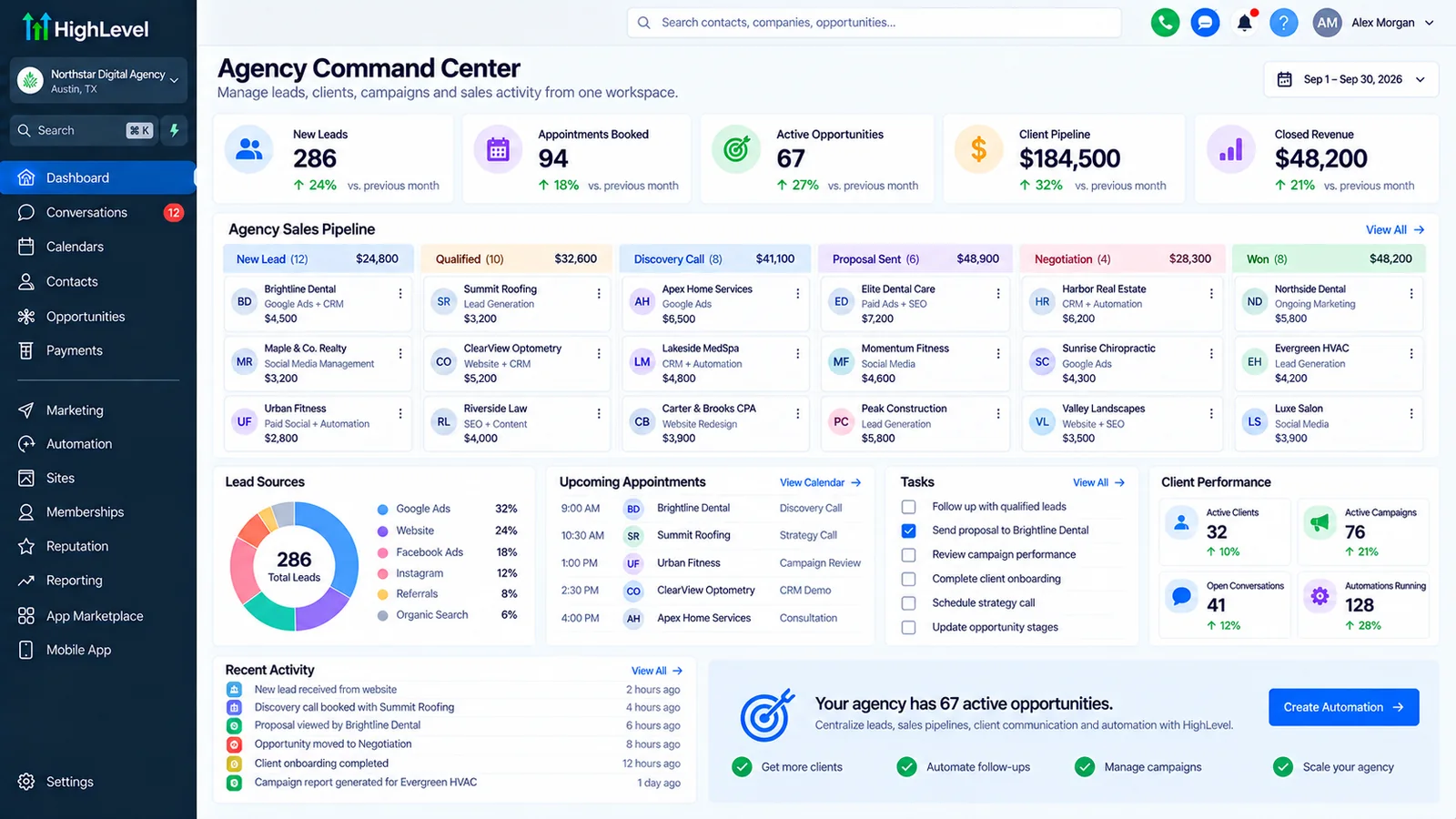
Everything starts with one place where every contact, conversation, appointment, and opportunity lives. For most of our clients that is GoHighLevel. Without a single source of truth, automation multiplies confusion: two systems each believe they hold the correct phone number, and customers get contacted twice or not at all.
Layer 2: The workflow layer
Workflows move information and trigger actions. Simple sequences live inside the CRM. Anything that crosses into other systems is handled by Zapier for fast, simple connections or n8n for complex, high-volume, or data-sensitive ones. Data that does not fit a CRM (project tracking, inventory, custom reporting) can live in Airtable and stay in sync. When no workflow tool covers the connection, direct API integration work fills the gap.
Layer 3: AI agents
Where a conversation is involved, AI calling agents and AI chat agents answer, qualify, and book, using the same knowledge and writing to the same records.
What can you automate in a lead-to-customer process?
Walking through the journey stage by stage shows where automation earns its place and where it does not.
| Stage | What to automate | What to keep human |
|---|---|---|
| Capture | Forms, calls, chats, ads feeding one pipeline; duplicate matching | Deciding what counts as a qualified source |
| First response | Instant acknowledgement by text or email; call-back within minutes | Sensitive or high-value enquiries |
| Qualification | Standard questions by chat or call; scoring; routing | Edge cases and judgement calls |
| Booking | Self-serve scheduling, buffers, calendar sync | Complex multi-party scheduling |
| Reminders | Multi-step reminders, confirmations, easy rescheduling | Personal outreach to high-value clients |
| Follow-up | Sequences that stop when the person replies or books | Negotiation and closing |
| Onboarding | Welcome messages, checklists, task creation, document requests | The first real conversation |
| Reviews and referrals | Timed requests after a completed job | Responding to negative feedback |
| Reactivation | Periodic contact with lapsed leads and customers | Anything needing empathy |
| Reporting | Weekly numbers from every system in one place | Interpreting what the numbers mean |
The consistent pattern: automate the repetitive, time-sensitive, and rule-bound steps, and protect the moments where a person's judgement or warmth decides the outcome.
Where automation and people each belong
Where does AI add value, and where are rules enough?
AI adds value where inputs are messy, such as emails, calls and free text, and simple rules are enough for fixed steps.
| Use rules when... | Use AI when... |
|---|---|
| The input is structured (form fields, statuses) | The input is free-form language (messages, calls, emails) |
| The right action is always the same | The right action depends on the meaning of what was said |
| Predictability matters more than flexibility | Flexibility matters more than perfect predictability |
| A mistake would be costly and irreversible | A human can review or the downside is small |
A useful rule of thumb: never use AI for something a simple rule does reliably. Reminders, routing by a field, and stage changes should be rules. Understanding a caller's question, drafting a reply, or classifying an inbound message is where AI belongs. Adding AI where rules would do makes a system slower, costlier, and less predictable.
How do you decide what to automate first?
Do not start with the most impressive thing. Start with the highest-value, lowest-risk one. A simple way to rank candidates:
- List the repetitive tasks your team does every day, especially anything time-sensitive.
- Estimate the cost of doing it badly or late. Slow lead response, missed calls, and no-shows tend to top the list because they cost revenue directly.
- Check the process is stable. Automating a process that changes weekly means rebuilding weekly.
- Judge the risk. Start where a mistake is easy to notice and undo.
- Measure the baseline first. If you do not know today's response time or show rate, you will never know whether automation helped.
For most service businesses the first wins are: instant response to new enquiries, appointment reminders, and follow-up that stops when someone replies. Those are all rules. AI conversation comes after the foundations work.
What does a sensible rollout look like?
A sensible rollout starts with a small scope, tests on real examples, and expands only after results hold.
Weeks 1 to 2: Foundation
Clean contact data, define the pipeline, capture every lead source in one place, and get a single, working first-response sequence live.
Weeks 3 to 4: Booking and reminders
Self-serve scheduling, calendar sync, confirmations, and reminders. Measure show rate.
Month 2: Follow-up and integrations
Nurture sequences, no-show recovery, and connections to accounting, ads, and other tools.
Month 3: AI agents
Introduce a calling or chat agent for a single, well-defined job, tested heavily and reviewed weekly.
Ongoing: Measure and refine
Monthly review of the numbers, transcript reviews, and changes as the business evolves.
Smaller businesses can compress this into a focused Foundation build. Larger ones may stretch it. What matters is the order: foundations, then automation, then AI.
How do you estimate the return on automation?
Use your own numbers to estimate return on automation. The structure of the calculation is more useful than any industry average, because averages hide the differences that matter for your business.
- Value of a customer = average revenue per customer × gross margin.
- Leads you currently lose = leads that never got a timely response, missed calls, and no-shows.
- Recoverable share = the portion of those you could realistically win back with faster, more consistent handling. Be conservative.
- Annual value = recoverable leads × close rate × customer value.
Illustrative example with made-up numbers, for the structure only: if a business loses 40 leads a month to slow response, could recover a quarter of them, closes 20% of the leads it reaches, and earns $1,000 margin per customer, that is 40 × 0.25 × 0.20 × $1,000 = $2,000 a month. Replace every number with your own. If the result does not comfortably exceed the cost of the system and its upkeep, do not build it. That is a real answer, and we will tell you if the numbers do not support a project.
A worked example of the return calculation
What are the risks of AI automation, and how do you manage them?
The main risks are wrong outputs, unclear ownership and missing consent, and each one needs a named check.
- Automating a broken process. Automation makes a bad process faster. Fix the process first.
- Silent failures. A workflow that stops without warning is worse than none. Build monitoring and alerts into every system.
- Wrong AI answers. Restrict agents to approved knowledge, add "I don't know" behaviour, and review transcripts.
- Over-messaging. Overlapping workflows can text the same person repeatedly. Give each event one owner.
- Compliance. Consent, recording, privacy, and industry rules apply. Design for them and confirm with your counsel; this is not legal advice.
- Poor data. Duplicates and missing fields undermine every downstream step.
- Tool sprawl. Many tools with no owner and no documentation create fragility. Keep the stack as small as the job allows.
- Loss of the human touch. Automation should free people for better conversations, not remove them.
How do you keep automation under control over time?
Keep automation under control with a named owner, regular review of results, and alerts when a step fails.
- Named owners for each workflow and agent.
- Documentation of what runs where and what depends on what.
- Change control: test changes on a copy or with test contacts before touching live workflows.
- Monitoring and alerts routed to a person who reads them.
- Human-in-the-loop for high-stakes actions: the system drafts, a person approves.
- A regular review to retire what is no longer needed.
If you already have automation that nobody fully understands, a GoHighLevel audit is the fastest way to map it and find what is broken.
What does this look like in different industries?
The same building blocks apply across industries, with the rules and pipeline stages changed for each one.
Dental and healthcare-adjacent practices
Booking, reminders, recall, and no-show recovery matter most. See the dental case study. Patient data brings extra obligations that you and your counsel must own.
Real estate
Multiple lead sources unified into one pipeline, instant first response, and staged nurture. See the real estate case study.
Home and local services
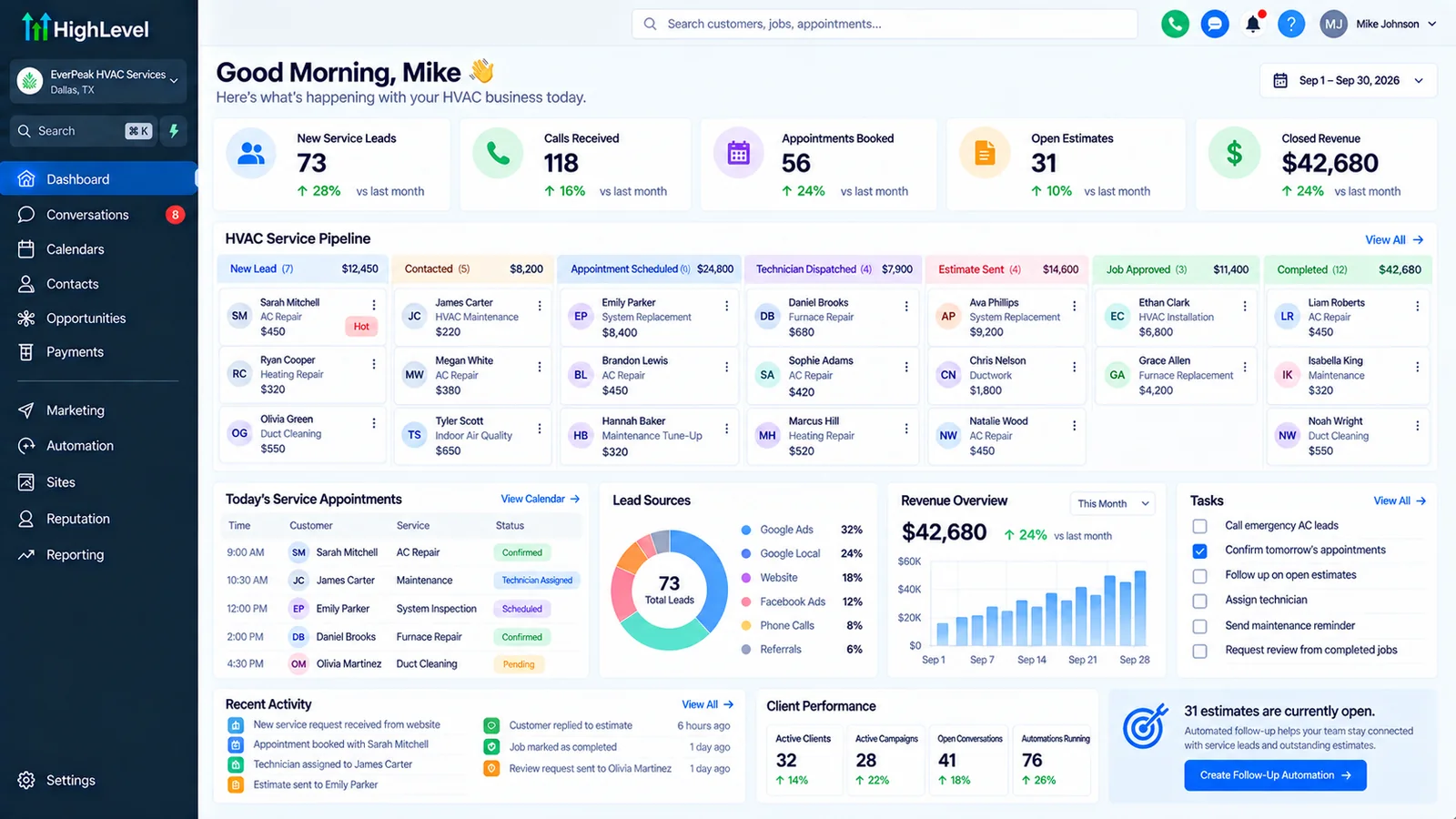
Missed-call text-back, quote follow-up, scheduling, and review requests after completed jobs.
Agencies
Repeatable client onboarding through snapshots, reporting, and white-labelled systems.
Coaches and consultants
Funnel-to-call booking, pre-call preparation, and post-call follow-up.
Which tool should handle which job?
Each tool handles the job it fits best: the CRM for records and messages, n8n or Zapier for moving data, and AI for unstructured text.
| Job | Best tool |
|---|---|
| Contacts, pipelines, messaging, calendars | GoHighLevel |
| Simple connections between mainstream apps | Zapier |
| Complex logic, volume, or self-hosted control | n8n |
| Custom structured data and reporting | Airtable |
| Answering and booking by phone | AI calling agent |
| Answering and booking in chat | AI chat agent |
| Capturing campaign traffic | Landing pages (see landing page development) |
We choose the simplest tool that does each job and are happy to recommend less than you expected when that is the right answer.
How does Autoesta work?
We start with a free strategy call, scope the work in writing, build and test it, then hand over documentation.
- Discovery. A free strategy call to understand your process, lead sources, and where leads are lost.
- Design. A written plan for the system: what will be automated, in what order, and how it will be measured.
- Build. Configuration and integration, with testing on real scenarios.
- Launch and train. Your team learns the system, with documentation and post-launch support.
- Improve. Optional ongoing optimisation based on results.
What could you do in the first 30 days?
If you want momentum without a large project, this is a realistic first month for a service business:
- Days 1 to 3: Record baselines: time to first response, missed calls, booking rate, show rate. Write down where leads come from.
- Days 4 to 8: Consolidate lead capture so every source creates or updates a contact in one system, with duplicates prevented.
- Days 9 to 14: Launch an instant first-response message and a task or alert for a human to follow up.
- Days 15 to 21: Turn on self-serve booking with calendar sync, and a confirmation and reminder sequence.
- Days 22 to 26: Add follow-up for people who do not book or reply, and a no-show recovery message.
- Days 27 to 30: Review the numbers against the baseline, read the transcripts and message replies, fix what is awkward, and decide what comes next.
Notice what is missing: no AI agent yet. Foundations first. The agent goes on a system that already works.
What should you ask any automation or AI vendor?
Ask who owns the system, how it is tested, and what happens when it fails.
- Will you look at our current setup before quoting?
- How will you test it, and can we see the test results?
- What happens when something fails, and how will we find out?
- Who owns the accounts, data, and workflows at the end?
- What will you hand over so we are not dependent on you?
- How do you handle consent, privacy, and opt-outs?
- What are the ongoing costs (platform, usage, maintenance) beyond your fee?
- What would make you recommend against this project?
- Can we speak to a client with a similar business?
Be wary of anyone who promises specific revenue results in advance, refuses to explain how a system works, or wants sole control of your accounts.
Our GoHighLevel AI agents guide covers the native tools these agents are built on.
We compare the two agent types on speed to lead, cost, and TCPA consent in AI calling vs chat agents for lead conversion.
More questions about AI automation services
Do I need AI, or is regular automation enough?
Often regular automation is enough, and AI earns its place in conversations and unstructured text. We add it when there is a clear job for it.
How long until I see results?
Response-speed and reminder improvements can show within weeks of going live. We measure baselines first so you can see the change for yourself, and we do not promise specific figures in advance.
Will I be locked into your tools?
Your data lives in platforms you own accounts for. We document everything so the system does not depend on us.
Can you work with what I already have?
Yes, we start by reviewing existing tools and workflows and keep what works.
Is it safe to let AI talk to my customers?
It can be, with the right controls: approved knowledge, clear limits, human handoff, disclosure, and review. We design for those, and you retain the final say over what the agent may do.
What does it cost?
The cost depends on the scope of the work. At the time of writing a full GoHighLevel setup typically costs $2,000 to $5,000 and a small automation build starts around $1,000 (see the setup page); automation and AI work are scoped after a strategy call.
How do I get started?
Book a free call on the contact page.
What does an AI automation agency do?
An AI automation agency maps how leads and work move through your business, then builds the automation and AI steps that remove the manual parts, and maintains them. Autoesta builds on GoHighLevel, n8n, Zapier and custom code, and includes six months of maintenance on builds.
Is AI automation worth it for a small business?
Often, when it targets a job that already costs money: missed calls, slow replies, no-shows or manual data entry. AI automation for small business works best in small builds (about $1,000 at the time of writing) that show a result before anything larger. A business automation expert should tell you when rules are enough and an LLM is not needed.
Related: AI agent adoption statistics, n8n Agents launch, what an automation project costs and what happens on the free strategy call.
Related services: CRM automation, business process automation, and the automation ROI calculator.
