What is a landing page, and how is it different from a normal web page?
A landing page is a page built for one audience and one action, such as booking a call or requesting a quote, with everything else removed so nothing competes with that action.
If your CRM is GoHighLevel, compare a custom page with GoHighLevel funnels, which connect to the CRM without an integration. If you are choosing inside GoHighLevel, see GoHighLevel funnel vs website.
A homepage has to serve many visitors with many goals, so it offers many paths. A landing page assumes you already know why the visitor arrived (they clicked a specific ad, searched a specific phrase, or followed a specific link) and gives them exactly the information and the single next step that matches. That focus is why landing pages tend to convert better than general pages for the same traffic.
Autoesta builds landing pages inside GoHighLevel, so every submission lands in your pipeline automatically and can trigger an immediate response.
Why build landing pages on GoHighLevel?
The main reason is that the form writes straight to the contact record, so there is no integration to break.
- No integration to break. A form on a separate site (WordPress, for example) needs a plugin, a webhook, or a Zapier connection to reach your CRM. Each is another thing that can fail silently. A GoHighLevel form writes directly to the contact record.
- Instant follow-up. A submission can start a workflow immediately: a text, an email, a call-back, a booking link.
- One record. Source, page, and answers are stored on the contact, so you can see what converts.
- Speed of iteration. Pages can be duplicated and changed without a developer.
The trade-off is design flexibility: a fully custom-coded page can do things a builder cannot. For most lead-generation pages the builder is more than adequate, and the reliability benefit outweighs the flexibility.
What does a high-converting landing page contain?
A high-converting landing page follows a clear order, adapted to the offer. Structure matters more than decoration. This is the order we usually follow:
1. Headline that matches the visitor's intent
Say what the visitor came for, in their words. If the ad promised "same-day roof repair quotes," the headline should say so. A mismatch between the promise that earned the click and the page they land on is one of the biggest causes of wasted ad spend.
2. A supporting line that removes the obvious question
Who it is for, what happens next, and roughly how long it takes.
3. One clear call to action
A single primary button or form, visible without scrolling. Secondary links should be minimal. Ideally the top navigation is removed so there is nowhere else to wander.
4. Proof
Real reviews, real numbers you can verify, credentials, and short case examples. Only use proof that is true. Invented testimonials and inflated statistics damage trust when noticed and can create legal problems.
5. The problem and the solution
Briefly name the pain the visitor has, then explain how you solve it. Concrete language beats slogans.
6. How it works
Three or four steps that make the process feel simple and low-risk.
7. Objection handling
Price, time, trust, "what if it doesn't work for me?" Answer the questions that stop people from acting.
8. The form or booking calendar
Placed after enough information to justify the ask, and repeated near the bottom for people who read to the end.
9. A short FAQ
Useful for both hesitant visitors and search or answer engines.
10. Minimal footer
Privacy policy, terms, and contact details, without a maze of links.
Anatomy of a landing page
How do you write copy that converts?
We write copy from your real offer and the objections prospects raise, and match the headline to the ad or link that sent them.
- Lead with the outcome, not the feature. "Fewer missed appointments" beats "automated SMS sequences."
- Be specific. "We reply within five minutes, 7am to 9pm" is more persuasive than "fast response."
- Write for one person. Address a single reader in plain language.
- Keep paragraphs short and use headings people can scan.
- Use the customer's vocabulary. Reviews and call transcripts are the best source.
- Cut what does not help the decision.
- Avoid hype and unverifiable claims. They erode trust.
How many fields should the form have?
As few as you can while still getting what you need to follow up: usually name and one reliable contact method, plus one qualifying question if it saves a wasted call.
Every extra field lowers completion, but too few fields fills your pipeline with unqualified leads. The right balance depends on your offer and traffic quality:
- High-volume, low-value offers benefit from short forms.
- Higher-value services often justify one or two qualifying questions (budget range, timeline, location) that protect your team's time.
- Multi-step forms (one or two questions per screen) can feel lighter than a long single form, and they capture partial information even if someone drops off.
- Phone number: valuable if you follow up by call or text, but it reduces completion, so ask only if you use it.
Consent and the thank-you step
If you will text people, the form needs clear consent wording near the phone field and a link to your privacy policy. After submission, take them to a thank-you page or message that confirms what happens next and, ideally, lets them book straight away. The best moment to book an appointment is immediately after the enquiry. This is operational guidance, not legal advice; confirm consent wording with your counsel.
How fast and mobile-friendly should it be?
Most paid and social traffic arrives on phones, on variable connections, with little patience. Performance is part of conversion, not a technical extra.
- Design mobile first, then scale up.
- Compress images and use modern formats; do not load large images for small screens.
- Limit third-party scripts, since chat widgets, trackers, and pop-ups each add weight.
- Keep the main content and button visible quickly, without layout shifts.
- Make tap targets large and forms easy to complete with a thumb.
- Test on a real phone, not just a browser window.
Google's page-experience measures (loading speed, layout stability, and responsiveness) are useful checks, and they line up with what real visitors feel.
The conversion path
What should happen after someone submits the form?
The page's job ends at the submission; your response decides whether it was worth it. A well-built follow-up:
- Acknowledges immediately by text or email, in your own voice.
- Offers to book straight away with a calendar link.
- Calls back quickly, by a person or, where consent allows, an AI calling agent.
- Follows up if there is no reply, and stops when there is one.
- Notifies your team with the lead's details and source.
Where visitors have questions before submitting, an AI chat agent on the page can answer and book directly. And once booked, the reminder and confirmation sequence protects the appointment.
How do you track whether a landing page works?
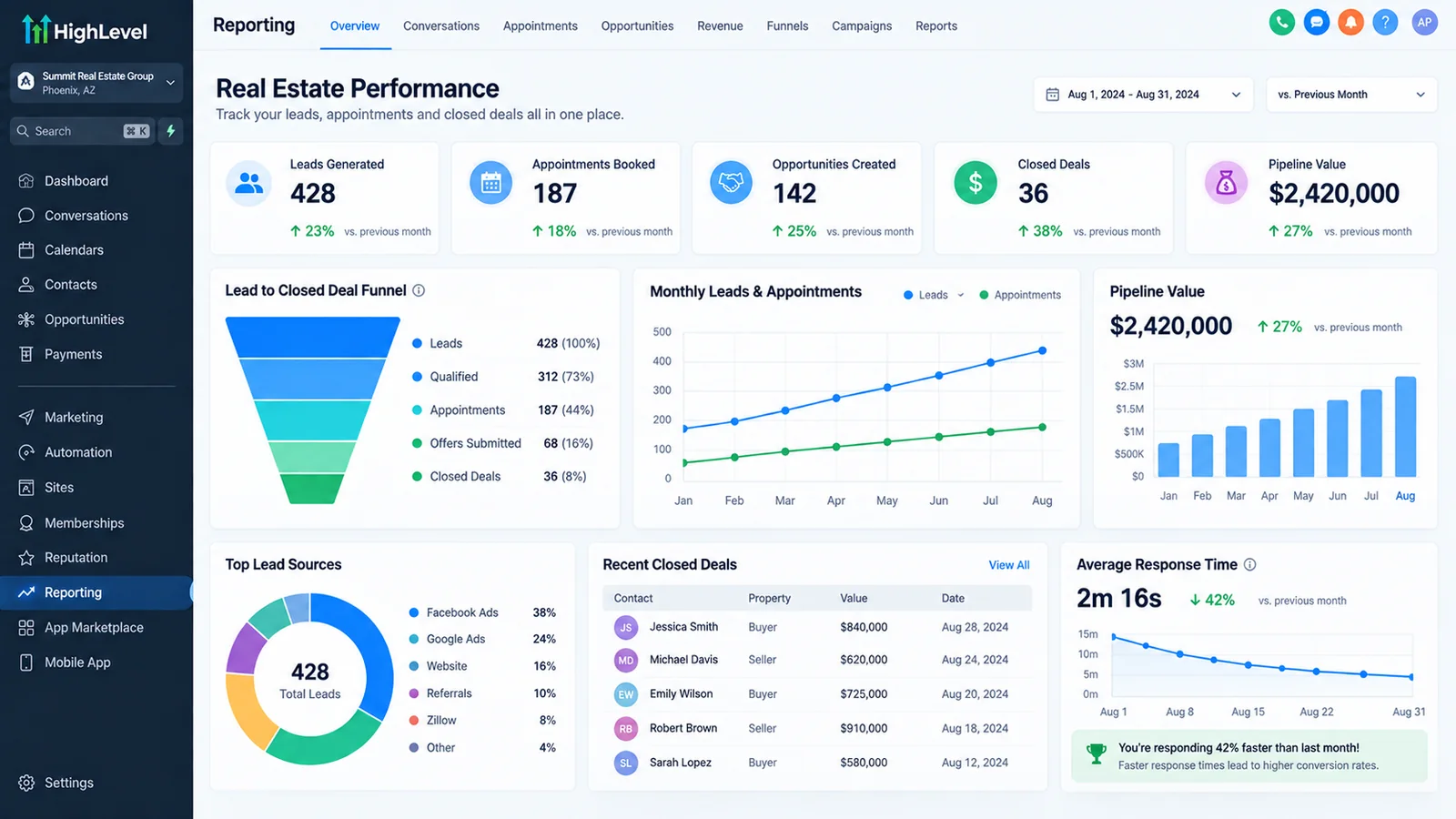
Many businesses track page views but not results. To know whether a page pays for itself you need:
- Source tracking: UTM parameters on every campaign link so the source is stored on the contact.
- A conversion event (form submitted, appointment booked) recorded in your analytics platform, not just page views.
- Downstream results: how many leads from each page became appointments and customers.
- Cost per lead and cost per customer by campaign.
Optimise for booked appointments and customers, not raw form fills. A page that generates cheap, unqualified leads can look good in the dashboard and perform poorly in the business.
What should you test, and when?
Testing only works with enough traffic to reach a reliable conclusion. With low traffic, better use of your time is applying well-established principles and improving the offer. Once volume justifies testing, change one thing at a time, in this rough order of impact:
- The offer itself (what you are asking or promising)
- The headline and message match
- The form length and form type
- The primary call to action wording and placement
- Proof elements
- Layout and imagery
Run each test long enough to include full weekly cycles, and do not stop the moment one version pulls ahead by chance.
Should landing pages be indexed by search engines?
Whether a landing page should be indexed depends on its purpose. Pages built for paid campaigns are often kept out of search results (noindex) to avoid near-duplicate content and to keep your organic pages distinct. Pages meant to rank in search need proper SEO: a unique title and description, a single clear heading structure, useful content, and internal links from your main site. Decide before you build, because the two goals shape the page differently. Our approach to search-focused service pages is visible on this site: see the GoHighLevel expert guide as an example.
What kinds of landing pages do businesses use?
Most businesses use a small set of page types: lead capture, booking, a service offer, and a thank-you page with a next step.
- Lead generation: a form in exchange for a quote, audit, or consultation.
- Appointment booking: an embedded calendar for immediate scheduling.
- Offer or promotion: a time-bound offer with clear terms.
- Webinar or event registration.
- Lead magnet download: a guide or checklist in exchange for contact details.
- Location or service-specific pages for local campaigns.
What mistakes make landing pages fail?
Most landing pages fail for a few reasons: the message does not match the ad, the form asks too much, the follow-up is slow, or tracking is missing.
- Sending all traffic to the homepage instead of a page built for the campaign.
- Message mismatch between ad and page.
- Too many calls to action, so nothing is clearly the next step.
- Slow mobile load.
- Fake or vague proof.
- No follow-up plan, so leads sit unanswered.
- No tracking, so nobody can tell what works.
- Forms nobody tested, which sometimes fail silently. Submit your own form after every change.
How does Autoesta build landing pages, and what affects the cost?
We build each page from the offer and the CRM flow it feeds, and the scope of that work sets the cost.
- Clarify the goal and the audience, and the source of traffic.
- Write the message and structure before designing.
- Build in GoHighLevel, connected to the pipeline and follow-up.
- Test on real devices, submit test leads end to end, and confirm tracking.
- Launch and review the first results, then improve.
Cost depends on the number of pages, the amount of custom copy and design, integrations, and tracking requirements. Landing pages are included in a full setup on the setup page and can be scoped separately. We confirm the figure on a strategy call.
What is a practical landing page audit checklist?
Use this checklist when reviewing an existing landing page, since each unchecked item is a potential leak. Each "no" is a potential leak.
- Does the headline match the ad, search, or link that brought the visitor?
- Is the main call to action visible without scrolling on a phone?
- Is there exactly one primary action?
- Can a stranger tell in five seconds what you offer and who it is for?
- Is the price, or how pricing works, stated or at least framed honestly?
- Is there real proof (reviews, results you can verify, credentials)?
- Are the top three objections answered on the page?
- Is the form as short as your follow-up allows?
- Is there consent wording near the phone field if you will text?
- Does the form work on iPhone and Android, and did you submit it yourself today?
- Does the submission create a contact in the right pipeline stage?
- Does an immediate response go out within a minute or two?
- Is the page fast on a mid-range phone over a mobile connection?
- Do images have alt text and sensible sizes?
- Is the text readable without zooming?
- Are tap targets large enough?
- Is there a thank-you page or message that says what happens next?
- Is source and campaign tracking captured on the contact?
- Is a conversion event recorded in analytics?
- Are privacy policy and terms linked?
What does the outline of a service landing page look like?
An example structure for a local service business running search or social ads:
- Top bar: logo and phone number or "Book now." No full navigation.
- Hero: headline that names the service and location, one supporting sentence, primary button, and a short line of proof (rating and review count, if real).
- Three benefits: in plain language, each with a short explanation.
- How it works: three steps ending in the outcome.
- Proof block: two or three real reviews or a short case example.
- Objections: pricing, timing, guarantees, insurance or licensing where relevant.
- Booking or form, repeated.
- FAQ: five or six real questions.
- Footer: address, hours, privacy, terms.
Adjust for the offer. A high-consideration service needs more proof and objection handling; an impulse offer needs less.
More questions about landing page development
Do you write the copy too?
Yes, structure and copy are built together, since conversion depends on both. We write around your real offer and the objections you actually hear.
Can the page connect to automated follow-up?
Yes, a submission can trigger a text, an email, a booking link, or a call within minutes.
Will it work on mobile?
It is designed mobile first and tested on real phones.
Can you use my existing website?
Yes, landing pages can live on a subdomain or a path connected to your main site, or we can replace your existing forms so they feed the CRM.
How long does a landing page take?
A single focused page typically takes days, not weeks, once the offer and copy are agreed.
Can you fix a landing page that is not converting?
Yes, we review message match, form, speed, tracking, and follow-up, and tell you what is most likely limiting results. Slow follow-up is often the real problem; see our speed up lead response guide.
Can the form trigger a more complex workflow than a simple notification?
Yes, through n8n for multi-step or cross-system automation, or GoHighLevel's built-in workflows for anything that stays inside the CRM.
Have you built landing pages that actually converted?
Yes, see our case studies for published builds with reported results and the time window they cover.
How do I get started?
Use the contact page to book a call. Bring the offer and the traffic source you plan to use.
What makes a landing page convert?
One offer, one clear action, proof close to the button, a short form and a fast mobile page. After that, A/B testing on real traffic tells you what works for your audience better than any rule.
Can the form go straight into our CRM?
Yes, a landing page connected to your CRM sends each submission straight to a contact record, tags the source and starts the follow-up workflow within seconds. That is the main reason we build landing page design and development on the CRM itself.
Related: custom web application development, mobile app development company, SaaS development company, customer portal development, custom CRM development and GoHighLevel AI Studio going live.
