Written by Alpit Patel
GoHighLevel CRM Automation Specialist
4+ years building automation systems for HVAC, plumbing, and home-service businesses across the United States
100+ real GoHighLevel implementations including missed-call recovery, booking automation, AI calling, and review systems
Systems built for single-location businesses and multi-location service brands handling 100+ inbound calls per day.
Last updated: January 2026
Intent Clarification
This article explains how GoHighLevel automation systems work for local service businesses.
For done-for-you implementation services, see our professional GoHighLevel setup agency page.
👉 https://autoesta.com/go-high-level-setup-agency/
Why Local Service Businesses Struggle Even With Strong Demand
Most local service businesses don’t lose money because of poor marketing.
They lose money because speed breaks down after the lead arrives.
From real operational audits inside live CRM systems, the same issues appear repeatedly:
- Calls missed while technicians are on jobs
- Leads contacted too late to convert
- Booking handled manually instead of systematically
- Follow-ups dependent on staff memory
- Reviews requested inconsistently
Automation exists to solve these operational gaps, not to add complexity.
What “Automation” Really Means in a Service Business Context
Automation is not about replacing people.
It is about removing human delay from high-intent moments.
For local service businesses, automation focuses on:
- Instant response
- Consistent follow-up
- Clear visibility into job flow
A well-built system on GoHighLevel is structured around calls, bookings, and completed jobs — not abstract funnels.
Core Architecture of a GoHighLevel Automation System
A real automation system is layered, not linear.
It includes:
- Call tracking and missed-call detection
- Automated SMS responses
- Service-based booking calendars
- Job-flow pipelines
- Review automation triggers
- Reporting tied to real outcomes
Each component supports the next.
No single workflow works in isolation.
Missed-Call Automation: The Highest-Impact System
In local services, phone calls represent the strongest buying intent.
Across multiple implementations, 30–45% of inbound calls are missed, especially during peak hours.
Missed-call automation works because it acts immediately:
- Call is missed
- SMS is sent within seconds
- Customer is offered a callback or booking
- Lead stays engaged instead of moving on
This is often the first automation deployed, because of its direct revenue impact.
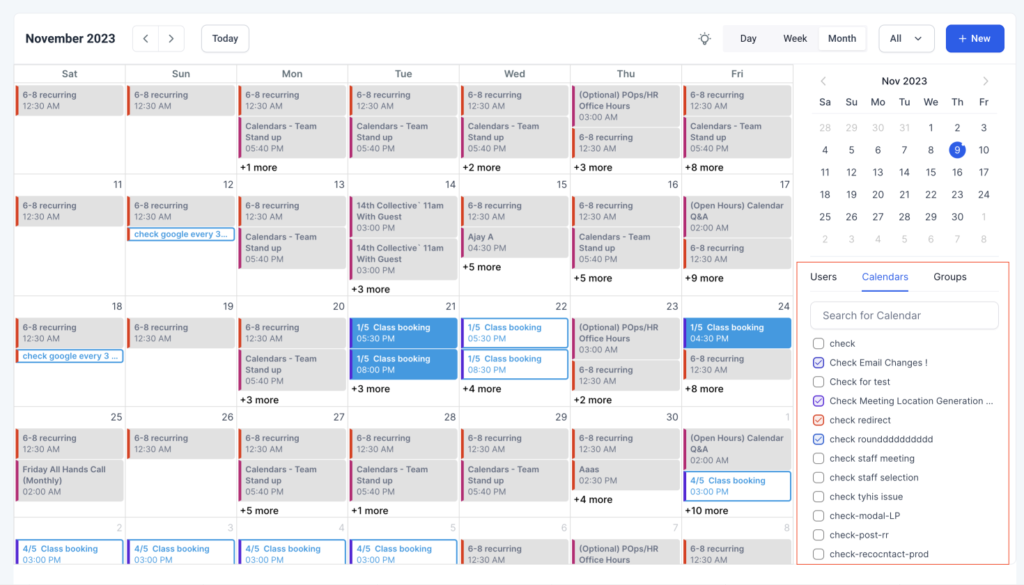
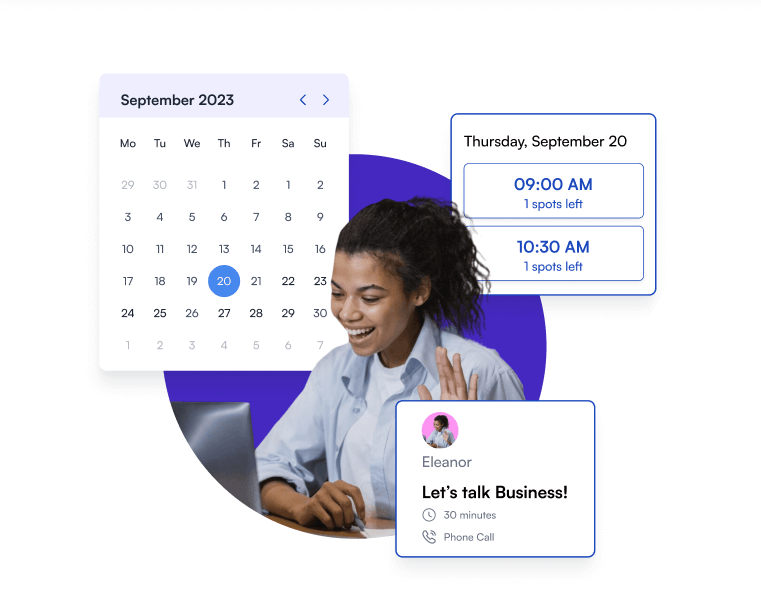
Booking Automation Built Around Real Job Types
Booking automation only works when it reflects real-world operations.
Effective systems account for:
- Emergency vs scheduled services
- Job duration differences
- Technician availability
- Travel buffers
When booking is automated correctly:
- Customers book without waiting
- Office workload decreases
- No-shows drop due to reminders
Automation turns booking into a system — not a task.
Pipelines That Match Job Flow (Not Sales Theory)
Sales pipelines don’t fit service businesses.
Service-based pipelines are structured around execution:
- New Lead
- Missed Call / Initial Contact
- Appointment Booked
- Technician Assigned
- Job Completed
- Review Requested
This structure creates visibility without noise and drives automation logic naturally.
AI Calling: Used Selectively, Not Aggressively
AI calling is effective when used within clear boundaries.
In real deployments, it is typically used for:
- After-hours inbound calls
- Overflow call handling
- Appointment confirmations
- Follow-ups on missed inquiries
It is not used for complex conversations or technician-level decisions.
Compliance, Consent & Operational Responsibility
Automation must operate within US regulations.
Proper systems include:
- TCPA-compliant opt-in logic
- Clear consent language
- Call-recording disclosures where required
- Opt-out handling across all channels
This protects the business and signals operational maturity.
Review Automation as a Local Visibility Lever
Reviews directly influence Google Maps performance.
Automation ensures review requests are:
- Triggered only after job completion
- Sent via SMS or email
- Logged and tracked centrally
This creates consistent review growth without manual effort.
Real Operational Case Snapshots
HVAC Company — Texas
Issue: High inbound call volume with frequent missed calls
System: Missed-call SMS + after-hours AI booking
Outcome: 27 additional booked jobs in 30 days
Plumbing Business — Arizona
Issue: Website leads not followed up consistently
System: Instant SMS follow-up with booking links
Outcome: Faster response times and improved booking rates
(Client details anonymized. Systems and results are real.)
Why DIY Automation Systems Often Fail
From failed setups reviewed, common breakdown points include:
- Overlapping or conflicting workflows
- Poor trigger logic
- Pipelines disconnected from job flow
- Reporting that offers no actionable insight
Automation must be understandable and maintainable, not just functional.
Final Perspective
GoHighLevel is not just a CRM for local service businesses.
When implemented correctly, it becomes:
- A lead-recovery system
- A booking engine
- A reputation-growth layer
- An operational visibility tool
The difference is not the software —
it is how the system is built around real service workflows.
Explore how professional GoHighLevel automation is implemented for service businesses
👉 https://autoesta.com/go-high-level-setup-agency/
Content reviewed and updated based on current GoHighLevel features and US compliance requirements.
1. What is GoHighLevel automation for local service businesses?
GoHighLevel automation for local service businesses refers to using automated systems for call handling, lead follow-up, appointment booking, and review generation. These automations help plumbers, HVAC companies, and home service providers respond instantly to leads, reduce missed calls, and manage jobs more efficiently without manual effort.
2. Is GoHighLevel good for HVAC and plumbing businesses?
Yes, GoHighLevel is well-suited for HVAC and plumbing businesses when it is configured correctly. It supports call tracking, missed-call text back, service-based booking, and review automation, which are critical for businesses that rely heavily on phone calls and local search visibility.
3. How does missed-call text back work in GoHighLevel?
Missed-call text back in GoHighLevel works by automatically sending an SMS to a lead when a phone call is not answered. The message usually apologizes for the missed call and provides a callback or booking option, helping recover leads that would otherwise be lost.
4. Can GoHighLevel automate appointment booking for service businesses?
Yes, GoHighLevel can automate appointment booking by using service-based calendars. Customers can book appointments online based on job type, availability, and urgency, while the system sends automatic confirmations and reminders to reduce no-shows.
5. Is AI calling in GoHighLevel legal in the United States?
AI calling in GoHighLevel is legal in the United States when proper TCPA compliance is followed. This includes obtaining customer consent, providing call disclosures where required, and offering opt-out options. AI calling is typically used for after-hours responses and appointment confirmations.
6. How long does it take to set up GoHighLevel automation for a local business?
A basic GoHighLevel automation setup usually takes 3–5 days, while advanced systems that include booking automation, AI calling, and review workflows may take 7–14 days depending on business complexity and service types.
7. What problems does GoHighLevel solve for local service businesses?
GoHighLevel helps solve common problems such as missed calls, slow lead follow-up, inconsistent booking, lack of visibility into job status, and poor review collection. Automation ensures faster responses and more consistent customer communication.
8. Can GoHighLevel replace office staff for service businesses?
No, GoHighLevel does not replace office staff. Instead, it reduces repetitive manual tasks like follow-ups and reminders, allowing staff to focus on customer service, dispatching, and job coordination rather than administrative work.
9. Does GoHighLevel help with Google reviews for local businesses?
Yes, GoHighLevel can automate Google review requests by sending SMS or email messages after a job is completed. This helps local businesses generate consistent reviews, which can improve Google Maps visibility and customer trust.
10. What is the difference between GoHighLevel automation and a basic CRM?
The main difference is that GoHighLevel automation goes beyond contact management. It actively handles calls, messages, bookings, follow-ups, and reviews automatically, while a basic CRM typically only stores customer information without operational automation.